Versions Compared

Key

  • This line was added.
  • This line was removed.
  • Formatting was changed.

...

  1. Select: "Device" then "Licenses" and click “Activate feature using authorization code”. Enter the authorization code and click “OK”:
    A screenshot of a cell phone  Description automatically generatedImage Removed
    Image Added

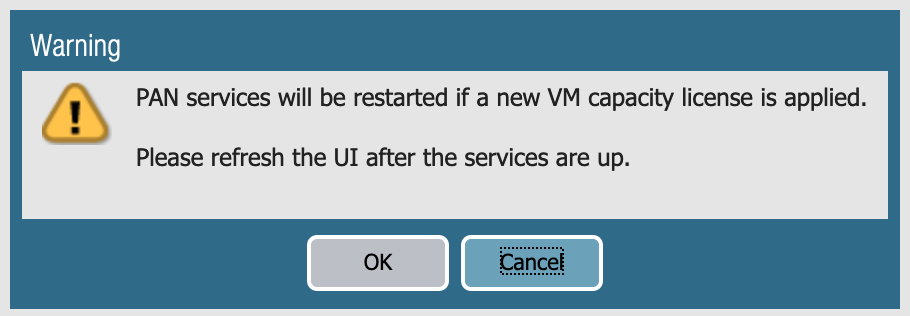
    Click “Ok” on the warning pop-up window:
    A screenshot of a cell phone  Description automatically generatedImage Removed
    Image Added

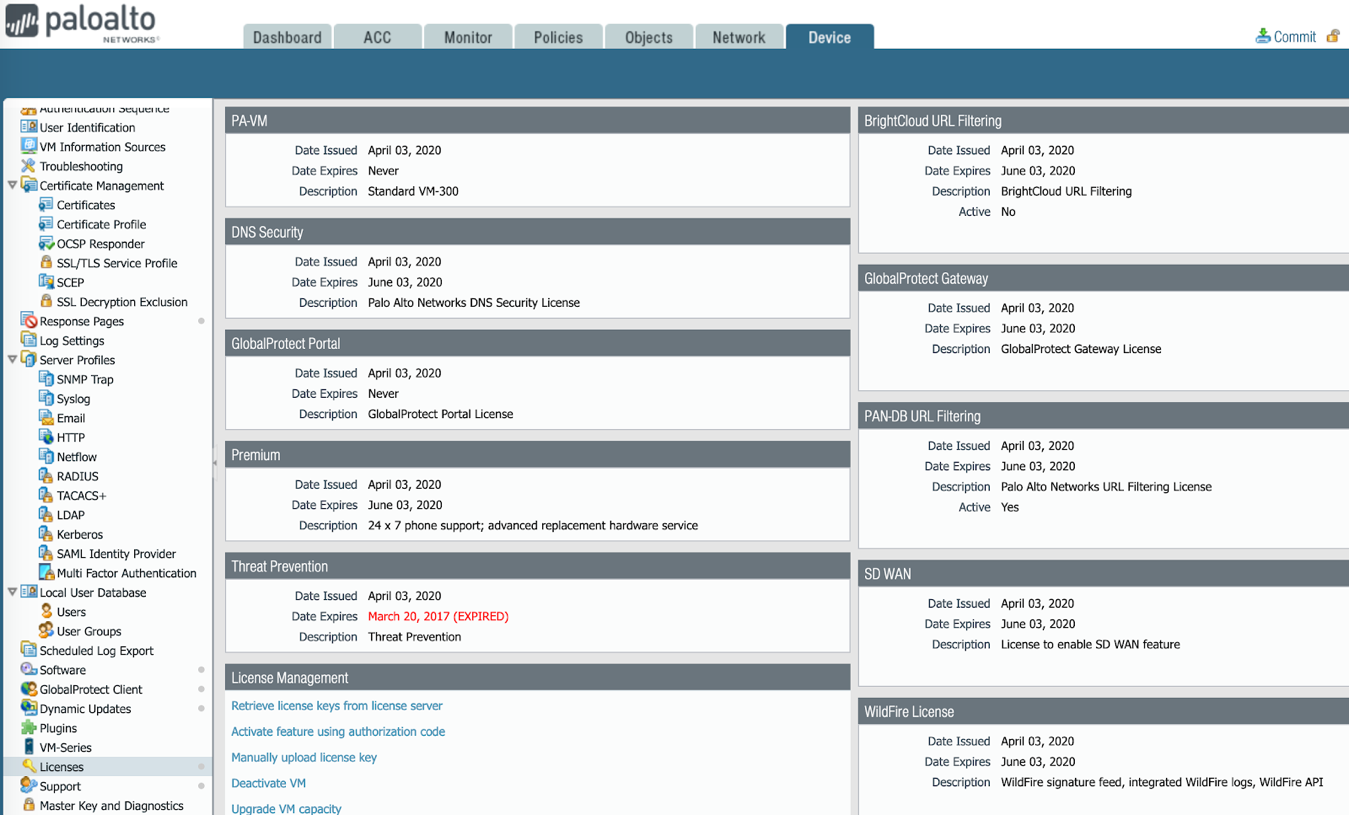
  2. After a couple of minutes, refresh the webpage and the activated firewall features will be displayed under Device > Licenses:
    A screenshot of a social media post  Description automatically generatedImage Removed
    Image Added